12 Random Word Games for the Classroom (No Prep Needed)
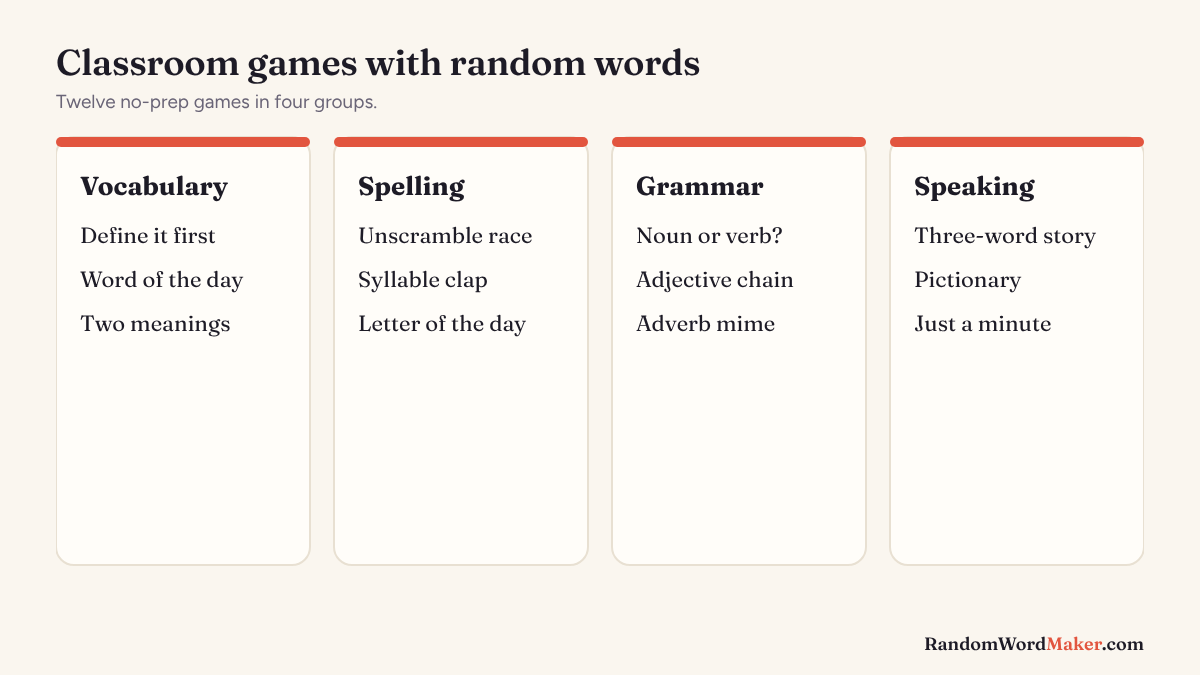
Random words make great lesson starters because nobody can prepare for them, the teacher included. Each of these games needs nothing more than a projector and a random word generator, and most take five to fifteen minutes.
Key facts
- All 12 games work with a projector and a random word generator.
- Use the Easy setting for younger classes and Hard for vocabulary building.
- Every word comes with a meaning, so students can check themselves.
Vocabulary
1. Define it first. Show one word with the meaning hidden. Students write their best guess, then reveal the meaning and discuss.
2. Word of the day. Start each lesson with the word of the day. Everyone uses it in a sentence before the bell.
3. Two meanings. Generate common words and open more meanings. Students write one sentence for each meaning. Words like light or draw work best.
Spelling and phonics
4. Unscramble race. Show a word, then scramble it on the board. First to unscramble wins.
5. Syllable clap. Generate five words, clap the syllables together, then check the syllable count on each card.
6. Letter of the day. Open a random words by letter page and collect words that start with that letter.
Grammar
7. Noun or verb? Generate verbs with the verb generator and ask which ones can also be nouns. About a quarter of common words can.
8. Adjective chain. Generate five adjectives and one noun. Students build the longest sensible sentence using them all.
9. Adverb mime. One student acts out a simple task “in the manner of” a random adverb, like nervously. The class guesses the adverb.
Speaking and creativity
10. Three-word story. Generate three random nouns. In pairs, students tell a 30-second story that connects them.
11. Pictionary or charades. Our Pictionary and charades generators have easy, medium and hard levels and a timer.
12. Just a minute. A student talks for 60 seconds about a random noun without stopping. Use the object generator for younger students.
Tips
- Turn on List view for a clean display on a projector.
- Use Kept words to collect the day’s words, then copy them into your notes.
- The whole word list is family-friendly, so random words are safe to show live.
Sources
- Activities developed by the RandomWordMaker team from common classroom practice.